Your Project, Our Support

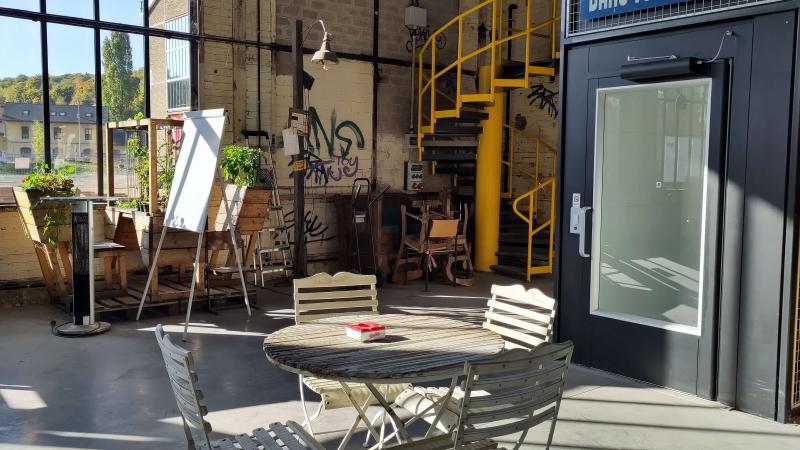
© @Nikola Jovanovic on Unsplash
Œuvre offers three different types of financial assistance:

One-off grants
These grants are for any organisation that wishes to finance or co-finance a specific, fixed-term project.
Read more

Permanent funds
Œuvre has four permanent funds that aim to further encourage organisations to implement projects in specific areas.
Read more
Calls for projects
Œuvre regularly issues calls for projects that focus on a specific theme and that are time limited and capped by a previously established budget.
Read more